Template Literals in JavaScript
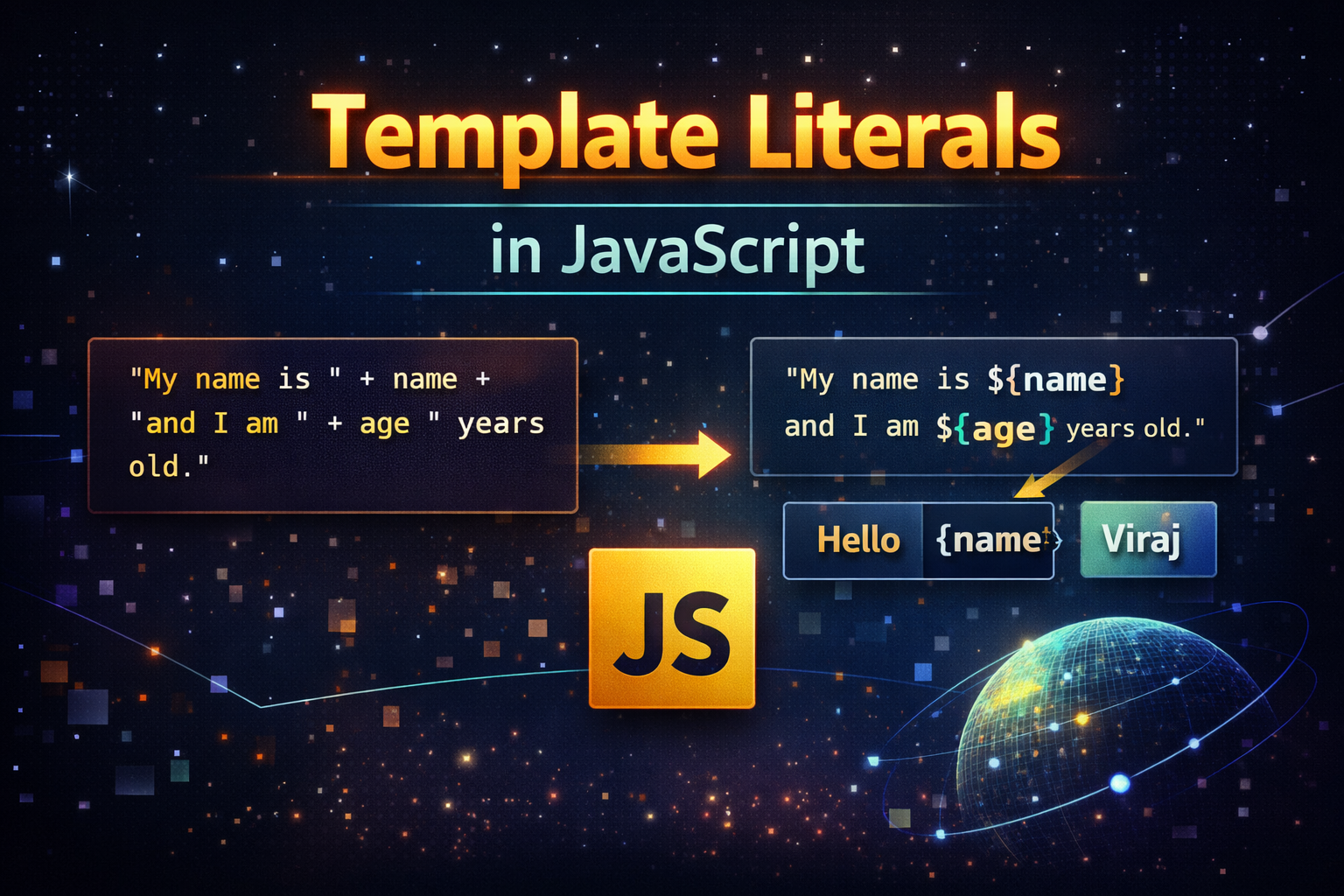
The Problem: Traditional String Concatenation
Before template literals, we used + to combine strings and variables.
Old Way:
const name = 'Tony';
const age = 20;

const message = "My name is " + name + " and I am " + age + " years old."

console.log(message)
Problem with this approach:
Hard to read
Easy to make mistakes
Messy with multiple variables
Very confusing for long strings
Visual Comparison:
Old Way:
"My name is " + name + " and I am " + age + " years old."

New Way:
`My name is \({name} and I am \){age} years old.`
The second one looks way more cleaner.
What Are Template Literals?
Template literals are modern string syntax in JavaScript using backticks. ``
They allow:
Embedded variables
Multi-line strings
Expression inside strings
Template Literal Syntax
const message = `Hello World`
Use backticks `` instead of quotes ('' or "")
Embedding Variables in Strings
This is the biggest advantage:
Using Template Literals:
const name = 'Tony';
const age = 20;

const message = `My name is \({name} and I am \){age} years old!`

console.log(message);
Behind the Scene:
`Hello ${variable}`
        ↓
Value gets injected directly
We can also use expressions:
const a = 5;
const b = 10;

console.log(`Sum is ${a + b}`);
Multi-Line Strings
Old Way:
const text = "Line 1\n" +
             "Line 2\n" +
             "Line 3";
With Template Literals:
const text = `
Line 1
Line 2
Line 3
`;
Template Literals preserve formatting automatically.
Real World Use Case
1. Dynamic HTML (Very Common)
const name = "Viraj";

const html = `
  <div>
    <h1>Hello ${name}</h1>
  </div>
`;
2. Logging And Debugging
console.log(`User \({name} logged in at \){new Date()}`);
3. API URL Construction
const userId = 101;

const url = `https://api.example.com/users/${userId}`;
4. Conditional Rendering
const isLoggedIn = true;

const message = `User is ${isLoggedIn ? "Online" : "Offline"}`;
Old vs New Side-by-Side
// Old
const msg = "Hello " + name + ", your score is " + score;

// New
const msg = `Hello \({name}, your score is \){score}`;
Why Template Literals Improve Readability
Natural Sentence like structure
Less syntax noise
Easier to maintain
Reduces bugs
Visual Summary
Feature              | Old (+)     | Template Literals
--------------------|-------------|-------------------
Readability         | Poor        | Excellent
Multi-line support  | No          | Yes
Expressions         | Hard        | Easy
Maintainability     | Low         | High
Mental Model:
Think of template literals like:
"Fill in the blanks" sentences
"My name is ___ and I am ___ years old"
Conclusion
Template literals make our code:
Cleaner
More readable
Easier to maintain


