Function Declaration vs Function Expression: What's the Difference?
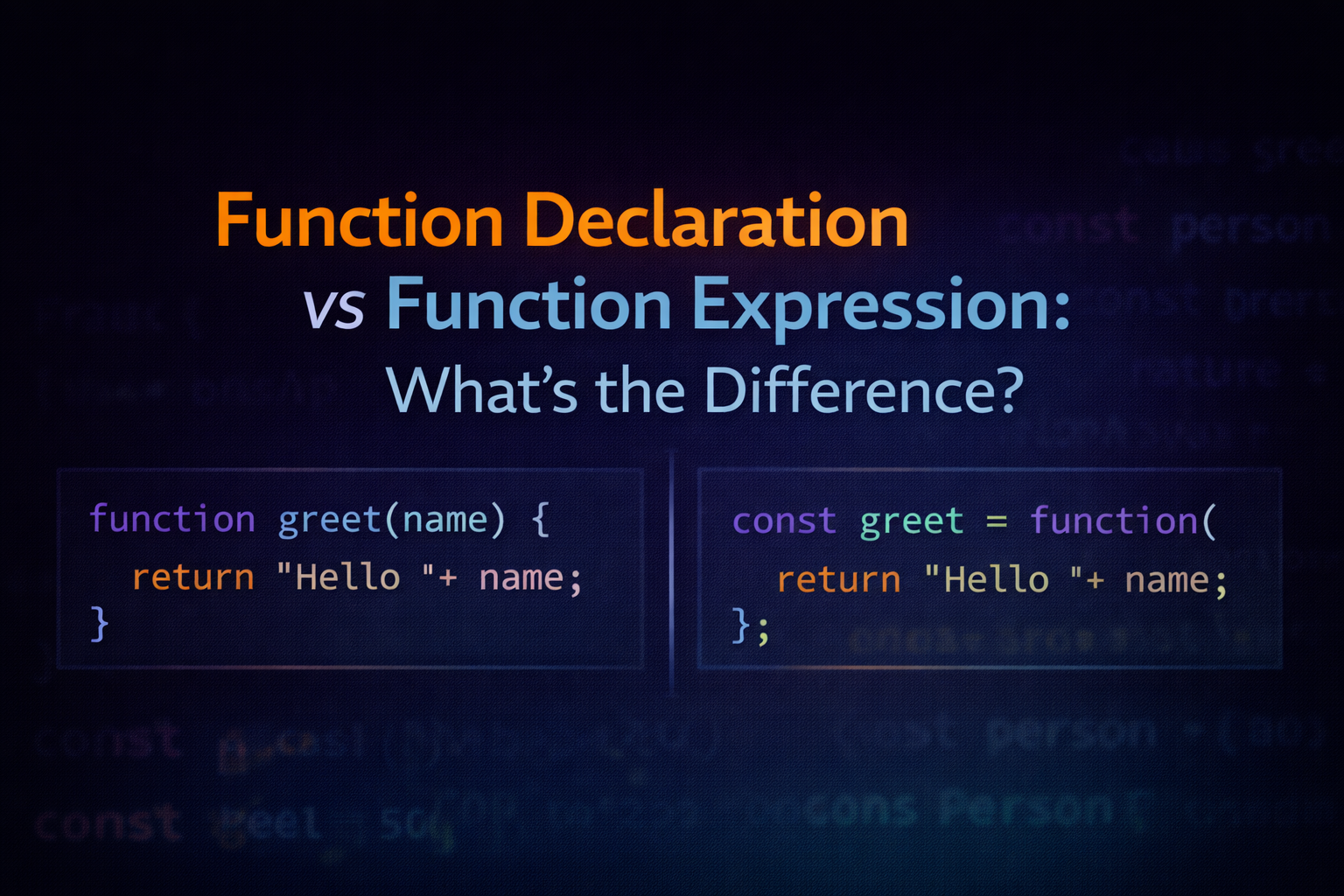
When learning JavaScript, one of the first important concept we'll encounter is functions. Functions help us organize code, avoid repetition, and make program easier to maintain.
But soon you'll notice something interesting: there are two common ways to create functions.
Function Declaration
Function Expression
At first they might look similar, but they behave differently in some situations.
Let's understand everything step-by-step.
What Are Functions and Why Do We Need Them?
A function is simply a reusable block of code that performs a specific task.
Instead of writing the same code again and again, we can wrap it inside a function and reuse it whenever needed.
Example without a function:
let result1 = 5 + 3;
let result2 = 10 + 2;
let result3 = 7 + 6;
Now imagine doing this hundreds of times
Instead we write a function
function add(a, b) {
    return a + b;
}

console.log(5, 3);
console.log(10, 2);
console.log(7, 6);
Now the logic is written once and reused many times.
Function Declaration
A function declaration defines a function using the function keyword followed by a function name.
Syntax:
function functionName(parameters) {
    //code to execute
}
Example:
function multiply(a, b) {
    return a * b;
}

console.log(multiply(2, 4)); //8
Here:
multiply-> function namea, b-> parametersreturn a * b-> logic inside the function
This function can now be used anywhere in the program.
Function Expression
A function expression stores a function inside a variable.
Instead of declaring it directly, we assign a function to a variable.
Syntax:
const functionName = function(parameters) {
    //code to execute
}
Example:
const multiply = function(a, b) {
    return a * b;
}

console.log(multiply(5, 4)); // 20
Here:
multiplyis a variableThe function itself has no name (anonymous function)
Side-by-Side Comparison
Function Declaration
function greet() {
    console.log("Hello");
}
Function Expression
const greet = function() {
    console.log("Hello");
}
Both do the same job, but they behave differently in certain cases.
Key Difference
| Feature | Function Declaration | Function Expression |
|---|---|---|
| Requires name | Yes | Usually stored in a variable |
| Hoisting | Fully hoisted | Not fully hoisted |
| When usable | Can be called before definition | Must be defined before calling |
| Common usage | utility functions | Callbacks, dynamic logic |
The Basic Idea of Hoisting
Hoisting means JavaScript moves certain declarations to the top of the file before execution.
Function declarations are hoisted but function expressions are not.
Function Declaration and Hoisting
This works perfectly
sayHello();

function sayHello() {
    console.log("Hello");
}
Even though the function is written after the call, it still works.
This happens because function declarations are hoisted.
Function Expression and Hoisting
This will cause an error:
sayHello();

const sayHello = function() {
    console.log("Hello");
}
Error occurs because the variable exists, but the function value isn't assigned yet.
So the rule is:
Function declaration works before definition
Function expression do not.
When Should You Use Each?
Use function declaration when:
You want a simple reusable function
the function should be available throughout the file
Creating general reusable functions.
Example:
function calculateArea(width, height) {
    return width * height;
}
Use function expression when:
Assigning functions to variables
Passing functions as arguments
Working with callbacks
Example:
const greetUser = function(name) {
    console.log("Hello " + name);
}
Quick Summary
| Feature | Function Declaration | Function Expression |
|---|---|---|
| Syntax | function name(){} |
const name = function() {} |
| Hoisting | Yes | No |
| Requires Name | Yes | Optional |
| Use Case | General Functions | Callbacks and Dynamic logic |
Assignment Practice
try it yourself first
Task 1: Write a function declaration
Create a function that multiplies two numbers.
function multiply(a, b) {
    return a * b;
}
Task 2: Write the same logic using function expression
const multiply = function(a, b) {
    return a * b;
}
Task 3: Experiment using Hoisting
Try calling both function before defining them
console.log(multiply(5, 4)); // 20
console.log(multiply2(5, 4)); //error

function multiply(a, b) {
    return a * b;
}

const multiply2 = function(a, b) {
    return a * b;
}
Final Thoughts
Understanding the difference between function declaration and function expression helps you write more predictable JavaScript code.
Quick recap:
Functions are reusable block of code
Function declarations are hoisted
Function expression are not fully hoisted
Both are useful in different scenarios


