Callbacks in JavaScript: Why They Exists
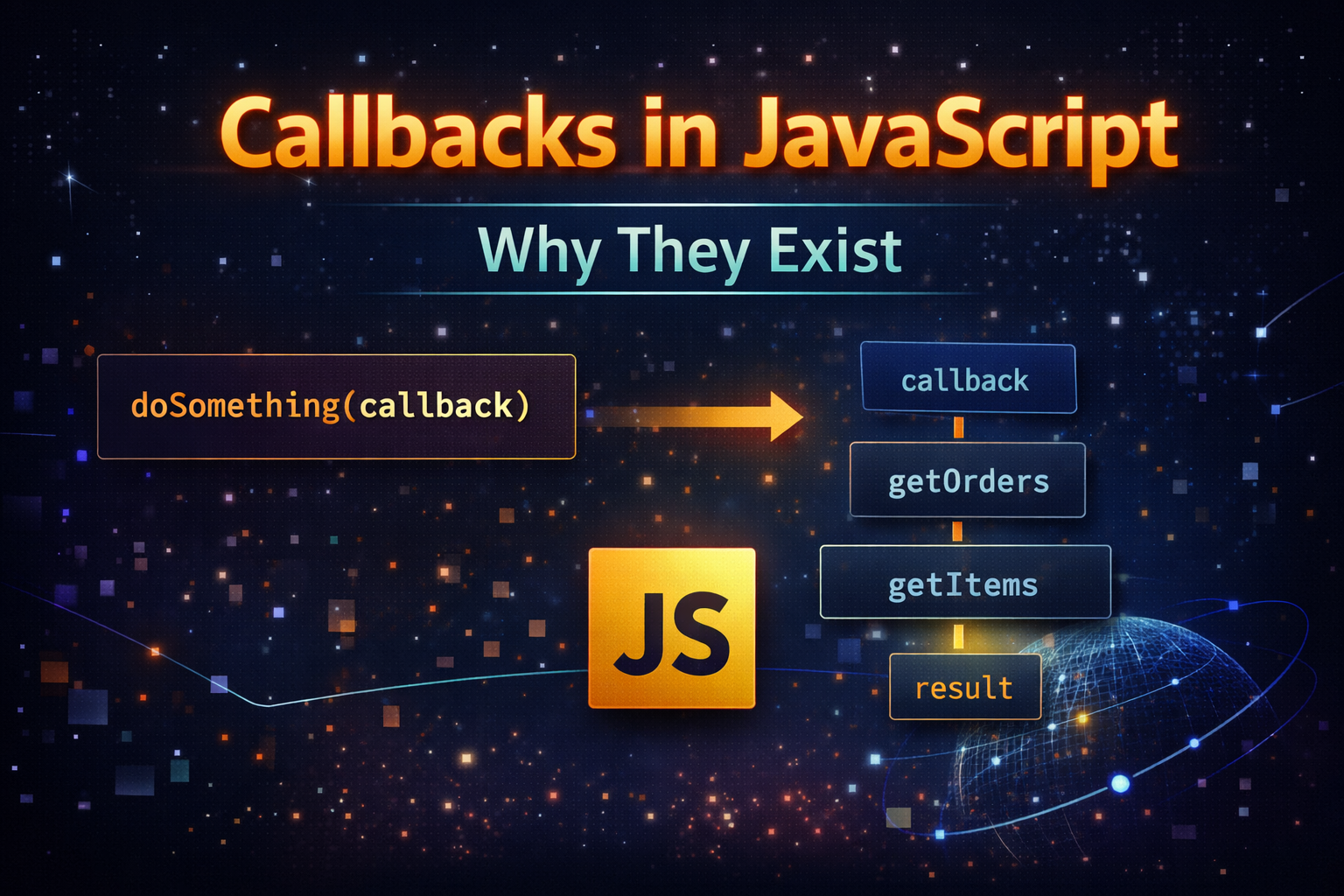
Before understanding callbacks we need to understand one powerful idea :
Function in JavaScript are just values
That means we can:
Store them in variables
Pass them as arguments
Return them from other functions
Example:
function greet(name) {
  return `Hello ${name}`;
}

function processUserInput(callback) {
  const name = "Tony";
  console.log(callback(name));
}

processUserInput(greet);
What Heppened?
greet → passed as argument → executed later
This is our first callback.
What is a Callback Function?
A callback function is:
A function passed into another function to be executed later.
Simple Example:
function sayHello() {
  console.log("Hello!");
}

function execute(callback) {
  callback();
}

execute(sayHello);
Passing Functions as Arguments
This is the core idea behind callbacks:
function calculate(a, b, operation) {
  return operation(a, b);
}

function add(x, y) {
  return x + y;
}

console.log(calculate(2, 3, add));
Visual flow:
calculate → receives function → executes it
Why Callbacks Are Used (Async Programming)
Now comes the real reason callbacks exists:
JavaScript is single threaded, means:
It can do one thing at a time
But what about
API calls
File reading
Timers
These take time.
Problem Without Callbacks
const data = fetchData(); // takes time
console.log(data);
This won't work properly because data isn't ready yet.
Solution: Use a Callback
function fetchData(callback) {
  setTimeout(() => {
    callback("Data received");
  }, 2000);
}

fetchData((data) => {
  console.log(data);
});
Visual Timeline
Start → wait (2 sec) → callback runs
Instead of waiting, JavaScript continues and runs the callback later.
Common Callback Use Case
1. setTimeout
setTimeout(() => {
  console.log("Runs after 2 seconds");
}, 2000);
2. Event Handling
button.addEventListener("click", () => {
  console.log("Button clicked");
});
3. Array Methods
const nums = [1, 2, 3];

nums.map((num) => num * 2);
map() takes a callback function.
The Problem: Callback Nesting (Callback Hell)
Callbacks are powerful, but can get messy.
Example of callback hell:
getUser(user => {
  getOrders(user, orders => {
    getItems(orders, items => {
      console.log(items);
    });
  });
});
Visual Representation
getUser
  └── getOrders
        └── getItems
              └── result
This Pyramid structure is called: Callback Hell.
Why Callback hell is a Problem?
Hard to read
Hard to debug
Hard to maintain
How JavaScript Improved This?
Because of callback problems, modern JS introduced:
Promises
Async/Await
But Callbacks are still the foundation.
Conceptual Understanding
Think of callbacks like:
"Call me when you are done!"
Task starts → finishes later → calls your function
Summary
Concept            | Meaning
------------------|-------------------------
Callback          | Function passed to another function
Why needed        | Handle async operations
Main benefit      | Non-blocking execution
Main problem      | Callback hell


